
Are you in search of the top free WordPress registration plugins? Well, you’ve landed in the right place.
For any business owner, making their customers register is a top priority.
The key is having a user-friendly front-end registration form on your website. You can make this happen effortlessly with WordPress registration plugins.
In this article, we’ve compiled a list of the best free WordPress registration plugins that are available to you.
But before we dive deeper into that, let’s understand why a free user registration plugin is so important for every WordPress website.
Don’t have time to go through the list? No worries! Here are our top picks.
Top Picks
1st

User Registration
Features:

Pre-designed Templates
In-built Login Form
Bulletproof Spam Protection
Support for WooCommerce
FREEMIUM
2nd

Ultimate Member
Features:
ForumWP Integration
Drag-and-Drop Form Builder
Conditional Logic
Custom Form Field
FREEMIUM
3rd

Profile Builder
Features:
Custom Form Field
User Role Select Field
Restrict Content
Invisible reCAPTCHA support
FREEMIUM
Why You Need to Use a WordPress User Registration Plugin?
When it comes to basic registration in WordPress, the options are quite limited.
It’s almost like the regular login page, and it doesn’t give you the power to handle memberships.
Moreover, you’ll need help finding a way to gather all the important information from your customers.
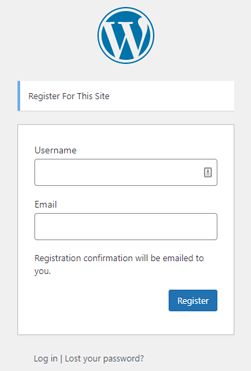
Therefore, if you want to give your users a more interactive and premium experience, you require a WordPress registration plugin.
Here, we’ve listed a few very good reasons why you should use a WordPress registration plugin to create a registration form:
- You can quickly and easily register users on your website in an organized manner.
- Ability to assign the user roles automatically through the registration form which saves so much time.
- Offers various user approval methods, spam protection, user reports, and so much more.
- You can use custom form fields to gather required information from your registered users.
- While creating the form, customize the form fields according to your requirements.
These are a just few benefits of a user registration plugin; we’re positive you can find more.
If you’re tight on budget, there’s no need to worry.
Here, we’ve explored nine of the best free WordPress registration plugins for your user registration form.
9 Best WordPress Free User Registration Plugins
1. User Registration
User Registration plugin is the #1 best free user registration plugin for WordPress.
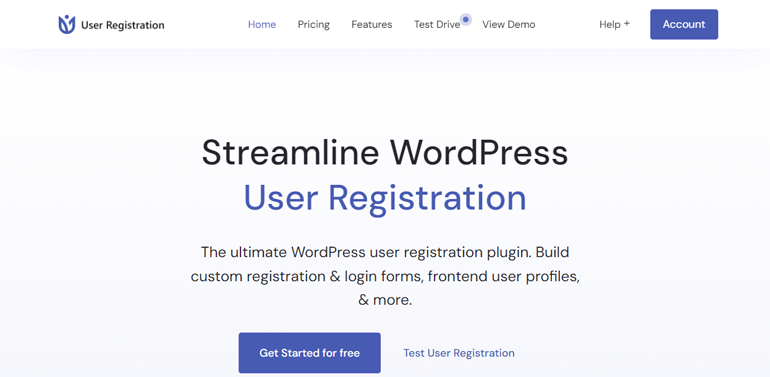
It comes with a simple drag-and-drop builder and tons of powerful features to create custom registration forms easily.
The User Registration plugin allows you to build registration forms with various custom fields like multiple-choice options, drop-down lists, checkboxes, and more.
Moreover, the plugin comes with a front-end profile account page for users. Not to mention, the users can edit their profiles, change passwords, log out, and more.
Besides that, there are various form settings that allow you to customize the functions of your registration form.
Although the free plugin is self-sufficient, it’s extendible with paid plans. If you need more features, you can explore 30 premium add-ons available with paid plans to enhance your custom registration forms.
Key Features:
- Fully compatible with WooCommerce
- Range of pre-designed form templates
- Custom front-end admin approval messages for users
- Bulletproof form spam protection
- In-built login form and user profile page
Pricing:
You can get the User Registration plugin free of cost from its official site or install it on your site from your WordPress dashboard.
If you need advanced features, the premium version is available with paid plans starting at $79/year.
Customer Support & User Reviews:
You can get brilliant live chat support on weekdays from its official website.
Or you can post your queries on the plugin’s WordPress.org forum and get them answered within a few hours.
User Registration has received excellent reviews. It scores an impressive 4.8 out of 5 stars from its users.

2. Ultimate Member
Ultimate Member is another WordPress free registration plugin, perfect for creating a membership website.

The plugin allows your users to register through front-end registration forms and become members of your site effortlessly.
Along with creating registration forms with custom form fields, you can use this plugin to create an advanced online community thriving with members.
Moreover, you can design attractive front-end user profiles for all your members.
Also, Ultimate Member is highly extendible with a range of paid extensions that add more functions to your forms.
So, you can create a vibrant website where users can sign up, become a member, and manage user profiles effortlessly.
Key Features:
- Avoid bot registration using Google reCAPTCHA
- Seamless Integration with ForumWP plugin
- Easily generate leads using Mailchimp
- Conditional logic for form fields
- Easy-to-use drag-and-drop form builder
Pricing:
You can download the Free version of the plugin from WordPress.org or you can directly download it on your WordPress dashboard.
It also has a premium plan starting from $249/year so if you want more you can also get the premium version.
Customer Support and User Review:
For any questions you have, simply post them on the WordPress.org forum and you’ll receive answers within a few hours.
Ultimate Member has received mostly positive reviews from its users. With over 1300+ reviews, the plugin has managed to score 4.4/5 which speaks to its quality.

3. Profile Builder
Profile Builder is a WordPress free registration plugin that allows users to easily modify their user profile.

With the use of shortcodes, you can easily create front-end login, user registration, and edit profile forms.
There’s even a list of shortcodes that the plugin provides for displaying forms.
For example, you can use the shortcodes [wppb-register] for the registration form and [wppb-edit-profile] to edit the profile form.
Similarly, you can restrict pages and posts on your site with Profile Builder. It also enables you to assign user roles, both default and custom roles, during registration.
Key Features:
- Users can edit their profile from the front end
- Edit profile forms using the User Role Select field on the register
- Custom form fields that are easily rearrangeable.
- Restrict content based on user roles and logged-in status
- Invisible reCAPTCHA support
Price:
Profile Builder is a freemium plugin, meaning you can either download the Free version from WordPress.org or install it directly in your WordPress dashboard.
If you’re looking for advanced features, the premium plan starts at €99 per year.
Customer Support User Review:
Support for Profile Builder is available on the WordPress.org forum. Simply post your queries there and get quick help.
It has an impressive rating of 4.7/5 stars.

4. RegistrationMagic
RegistrationMagic is next on our list as the best free WordPress plugin for user registration and login.

Despite being free, it offers tons of features that are more than enough for creating a custom registration form.
You can replace or disable the default WordPress registration form, and display the custom registration form in its place.
Besides that, you can track form submissions and analyze stats from the admin dashboard. What’s more, you can even accept payments with PayPal integration.
All in all, you can make a simple or complex registration form free of charge using RegistrationMagic.
Key Features:
- Add custom fields to the WooCommerce registration form
- Display a countdown for form expiry above the form
- Track conversation rates using field analytics
- Form dashboard to monitor form submissions
- Set post-login redirections for users.
Price:
To download the Free version of the plugin, go to WordPress.org or install it on your WordPress dashboard.
If you want additional features, you can download the Pro version of the plugin, starting at $89/year.
Customer Support and User Review:
You can post your queries on the WordPress.org forum and get them answered within a few hours.
RegistrationMagic has managed to gain 4.5 out of 5 stars.

5. UsersWP
Try UsersWP if you’re looking for a lightweight plugin that won’t hamper your site’s performance.
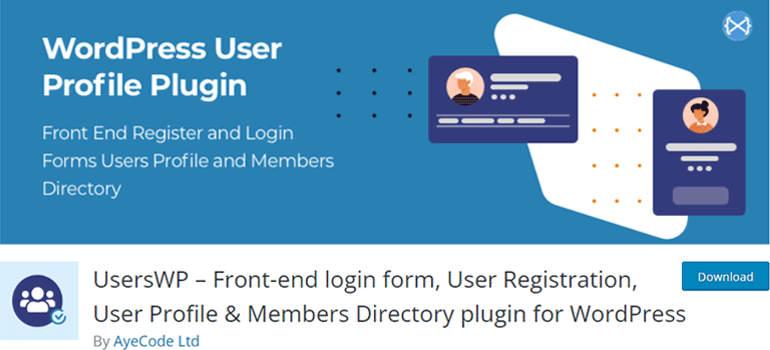
This free WordPress plugin for user registration and login is one of the best available.
With UsersWP, creating user registration forms and profiles has become more convenient.
Thanks to its compatibility with major page builders like Divi and Elementor.
Therefore, with Users WP creating an online community of users is fast, secure, and cost-efficient.
Better yet, you can add reCAPTCHA and Social Login addons absolutely free of cost.
Key Features:
- Easy customization with popular page builders
- Unlimited custom fields to create registration forms
- Shortcodes available as widgets and blocks
- Front end Forgot Password link for users to request password resets
- Drag and Drop form builder for user profiles
Price:
You have the option to download the Free version of UsersWP from its official page WordPress.org or simply install it on your WordPress dashboard.
Furthermore, you can also access its premium add-ons starting at $39.
Customer Support and User Review:
You can reach out to the WordPress.org forum for customer support.
Customers have rated 4.7/5 for the UsersWP plugin which is really good.

6. WP User Frontend
WP User Frontend is yet another WordPress free registration plugin that’s perfect for managing members, user profiles, and post submissions.
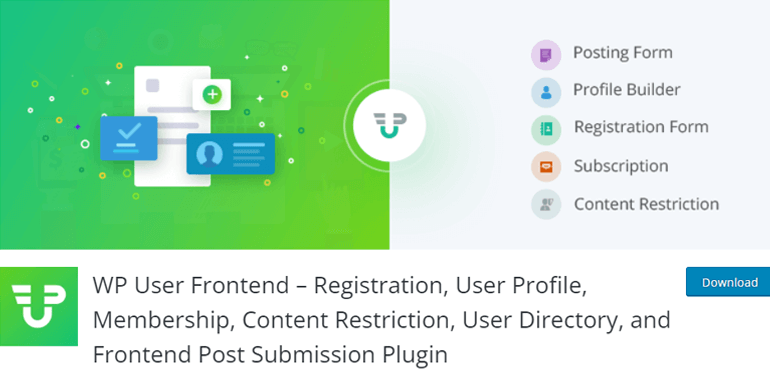
It includes a front-end dashboard, editor, and uploader which allows users to edit their profile and create new posts without fuss.
Moreover, the plugin lets you create multiple registration forms, and display them on your site using the Gutenberg block editor.
You also have the option to copy and paste the shortcode provided for each form to any WordPress page.
With this plugin, you can also enable certain user roles to create posts from the front end.
Likewise, you can set post status, post messages, and even update post button text.
Key Features:
- Custom redirection after login and submission
- Schedule forms and limit entries
- Integrate with advanced custom fields
- Create subscription packs to receive payment
- Display every custom field data in the post
Price:
WP User Frontend is a freemium plugin. You can download the Free version from WordPress.org or directly add it to your WordPress dashboard.
It also gives you exciting premium features starting from just $49 a year.
Customer Support and User Review:
If you have any queries, you can post them on the plugin’s WordPress.org forum for instant support.
This plugin has succeeded to score 4.2/5 which is fairly decent.

7. Registration Forms
Registration Forms enables you to create mobile responsive registration forms for your WordPress site with a drag-and-drop builder.
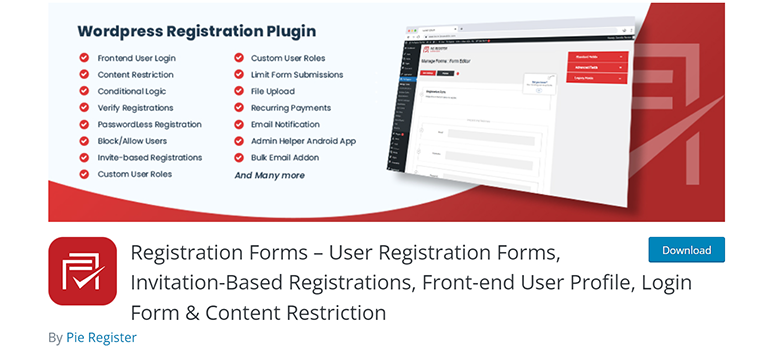
Since this free plugin is compatible with PayPal Standard, you can accept payments through the registration forms as well.
Moreover, you’ll be able to moderate user registrations through the dashboard and verify users before granting them access to your site.
You also get user and admin email notification templates that you can customize as per your needs.
Key Features:
- Ability to set redirection after login and sign-up
- Invite-based Registration for exclusive website
- Basic content restrictions available
- Drag and drop form builder
- Admin and user email notification templates
Price:
To download the Free version of the plugin visit WordPress.org.
You can also install it from your site’s WordPress dashboard.
Customer Support and User Review:
You can post your queries on its WordPress.org forum and get them answered within a few hours.
As per the ratings, Registration Forms has got 4.3/5. Considering it’s a free plugin, the feedback is quite good.

8. Login/Signup Popup
Login/Signup Popup is a simple yet one of the most creative plugins ever designed.
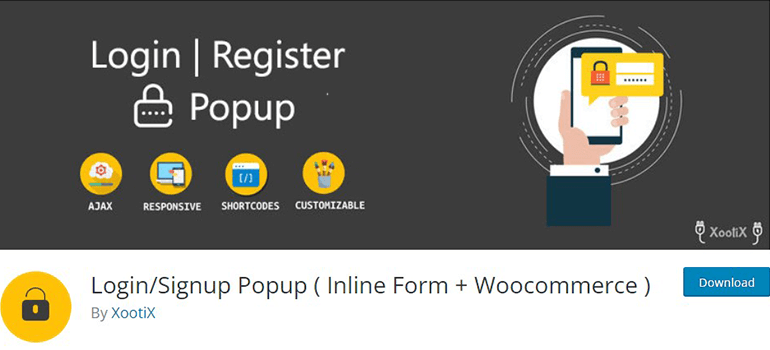
With just a single click, your users can log in to your registration form using a Google or Facebook account.
Moreover, the drag-and-drop feature has made the form-creation process a lot easier.
It’s a solid choice of a plugin that makes tasks like registration, signup, and password reset easy.
Furthermore, you can add an OTP function to your login page which removes the hassle of remembering passwords for your users.
Besides, you’ll also get two fully customizable designs. Hence, we believe this plugin could work for both WordPress beginners and developers.
Key Features:
- One-time password (SMS) login
- Seamless integration with WooCommerce
- Login, Sign up, and Lost Password form
- Fully customizable form fields
- Restrict login until email is verified
Price:
You can easily download this plugin Free of cost from WordPress.org or your WordPress dashboard.
Customer Support and User Review:
For support, you can post your queries on its WordPress.org forum.
Login/Signup Popup has received good reviews from its users so far. With over 120 reviews, the plugin has managed to score a rating of 4.8/5 stars.

9. Registration For Events Calendar
Registration For Events Calendar is yet another free multi-purpose plugin that lets you register different kinds of events.
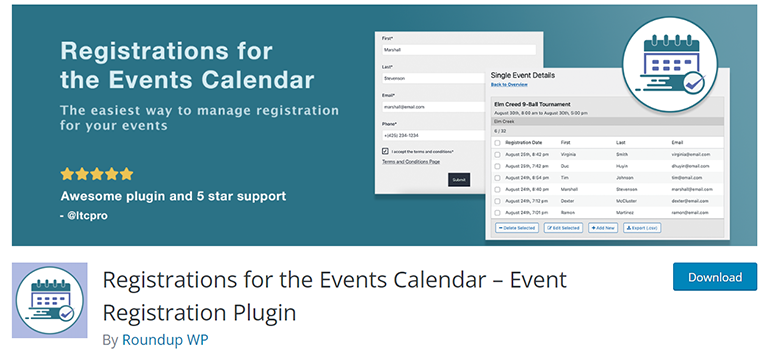
You can get started with this tool with ease as the setup is super beginner-friendly.
Moreover, the plugin offers easy customization that helps you add a personal touch to the form.
It’s more suitable for users who already use the parent plugin “The Events Calendar.” These two plugins work together to let you register users and manage events efficiently.
Moreover, Registration For Events Calendar supports integration with Stripe and PayPal.
So, you can create subscriptions and collect payments through your registration form.
Key Features:
- Support for discount and promotional codes
- Search registrants via name, phone, or email
- Display the event registration form on your site
- Unlimited text fields within the form
- Attendees can unregister using a link sent in email
Price:
Registrations for Events Calendar is also a freemium plugin.
So, download the free version from WordPress.org or simply install it on the WordPress dashboard.
Premium version of this plugin is also available. Thus, you can enjoy its advanced features starting from $89 a year.
Customer Support and User Review:
You can post your queries on the WordPress.org forum and get them answered within a few hours.
Registration For Events Calendar has received excellent reviews from its users. It scores an impressive 4.9 out of 5 stars from its users.

To Conclude:
It’s essential to create a unique registration form for your website for selling products, sharing your thoughts, or using software.
The good news is you can smoothly upgrade the way you register users with the help of a good free user registration WordPress plugin.
Now, the plugins we’ve mentioned above come with a unique set of features despite the few similarities.
This means you can easily pick the one that fits your website’s needs the best.
However, our top recommendation is the User Registration plugin.
It’s extremely user-friendly and doesn’t require any coding skills. With it, you can easily create a sign-up form for your WordPress site.
If you’re interested in having more types of forms on your website, you can explore quiz plugins, survey plugins, and more types of form builder plugins on our blog.
We also have video tutorials on our YouTube channel to help you out.
To keep up with our latest articles, don’t forget to follow us on Twitter and Facebook!





![Zakra 3.0 | Zakra Pro 2.0 Release [Major Updates!]](https://i.ytimg.com/vi/g3rifl7kWvg/maxresdefault.jpg)