Custom User Profile Plugin for WordPress
Give every registered user their own front-end profile page — complete with editable details, avatar uploads, and custom tabs.
Personalized Accounts for Users
User Registration & Membership includes a fully functional profile dashboard, and a no-code customizer when you need custom tabs and full design control.

Pre-designed User Profile Pages
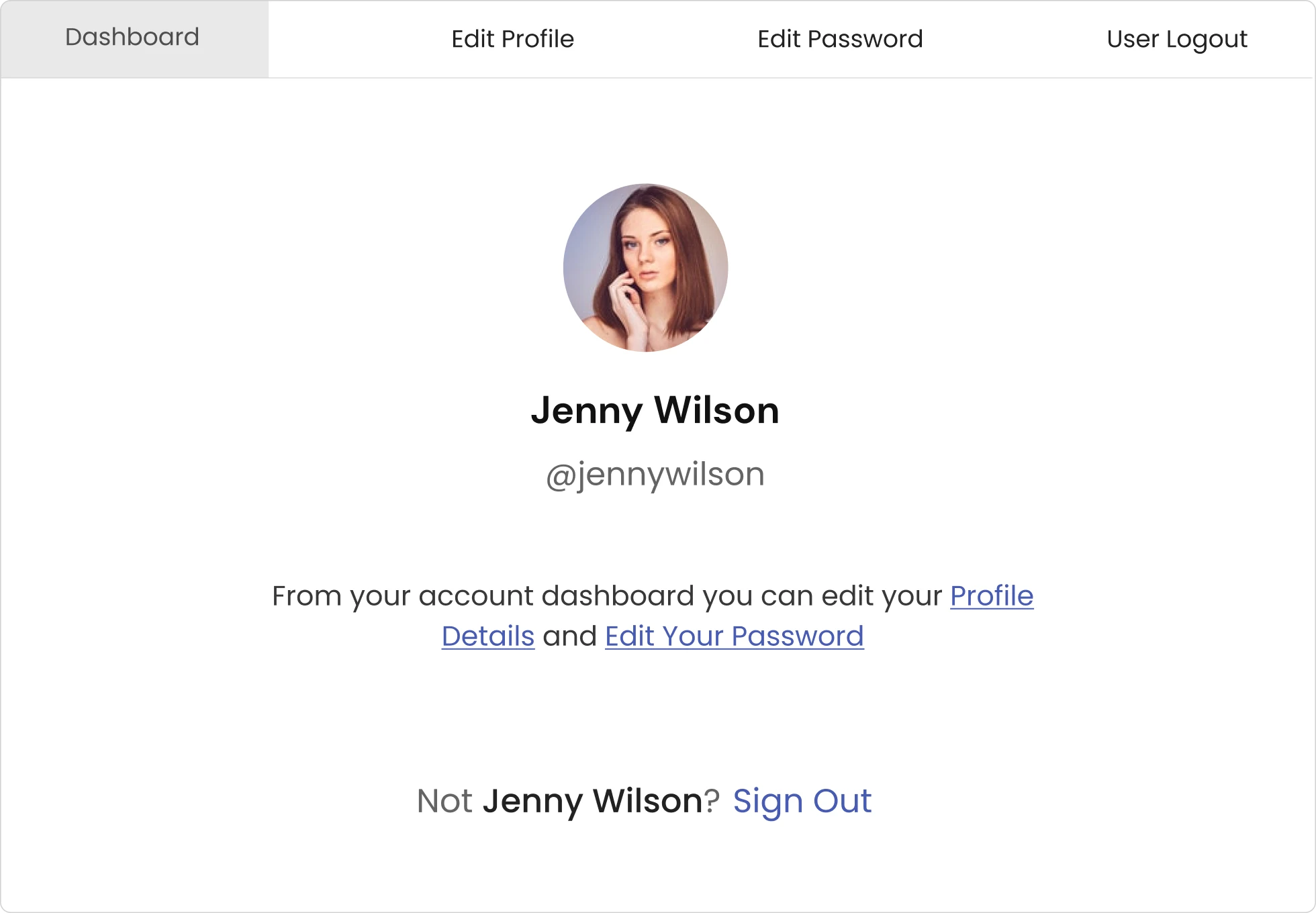
Skip building a profile page from scratch. User Registration & Membership comes with one ready to go — no premium plan required.

Clean, modern profile page design out of the box

Choose between horizontal and vertical layouts

Embed the profile page on any page with a simple shortcode

Point the profile to any page you choose
Default Endpoints & Profile Picture
Every install comes with a working front-end dashboard, no upgrade required for the basics, plus membership-specific endpoints if you’re running a paid membership site.

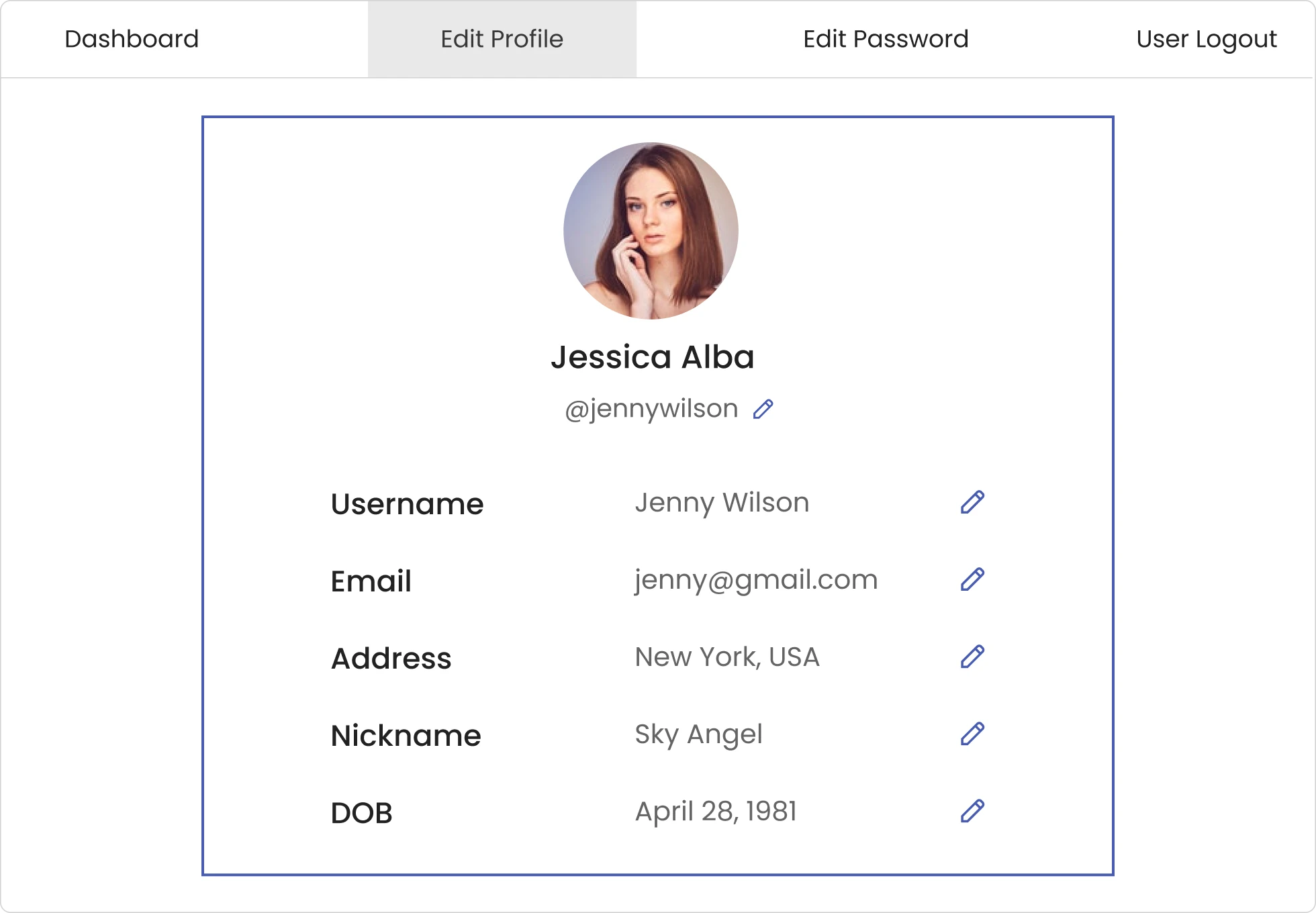
Profile Details endpoint — where users manage their account

Logout endpoint — one-click front-end logout

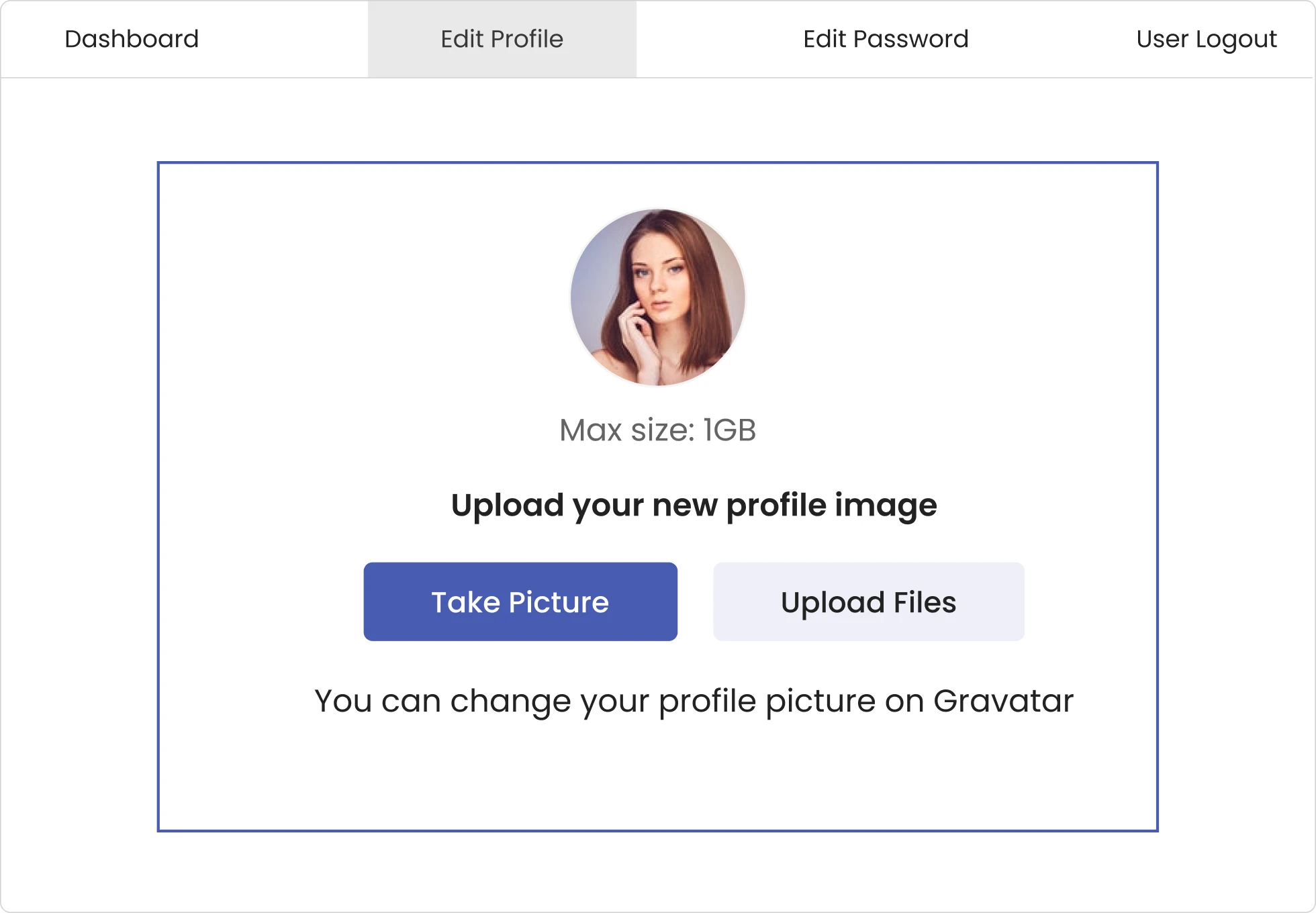
Profile picture displayed right on the dashboard — part of the default view, no setup needed

Subscription and Payment endpoints for membership sites — track plan status and payment history right from the dashboard


Let Users Edit Their Own Profile Details
Registered users can edit the information in their user profiles from the front end.

Let users edit their password and other information, such as Email, Address, Number, and so on.

Users can change and save profile details without reloading the page.

Allow users to delete their own accounts with or without a password prompt.

Profile fields follow the conditional logic set on your registration form, so each user only sees what applies to them while editing
Decide Which Fields Appear on the Profile Page
Keep the profile page relevant to each user with Field Visibility. Show only the fields that matter there, not everything they filled in at sign-up.

Keep a field on the registration form only, so it’s collected at sign-up and never shown again

Show a field on the profile page only. Users can fill in extra details later instead of facing a longer registration form

Keep a field read-only on the profile. Users can see it, but can’t change data you don’t want edited

Lock a field with a default value everywhere. Critical data stays exactly as you set it, no matter what


Add Custom Tabs & Full Styling with Customize My Account
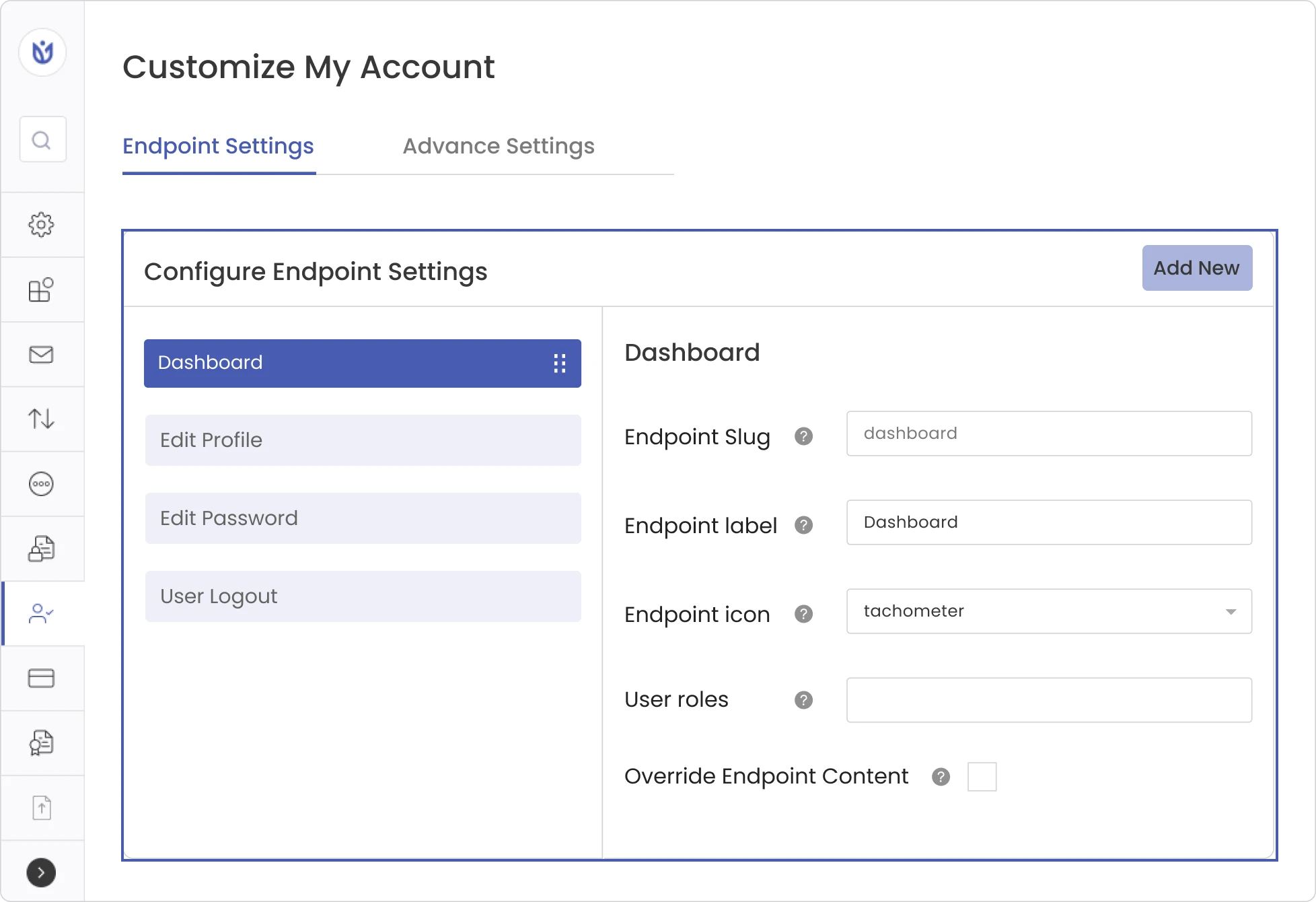
The default user dashboard covers Profile Details and Logout. The Customize My Account add-on lets you add as many tabs as you want and restyle the whole page.

Add unlimited custom tabs using Endpoints (custom content) or Links (internal pages or external URLs)

Edit each tab’s slug, label, icon, and content with a WYSIWYG or HTML editor

Insert dynamic content with smart tags — e.g. {{user_display_name}} auto-displays the logged-in user’s name

Restrict tab visibility by user role

Reorder tabs with drag-and-drop — no settings hunting required

Enable image cropping on profile picture uploads
Frequently Asked Questions
Clear answers to common questions about using User Registration & Membership user profile pages.
Technically yes, using custom code and template files — but it requires theme-level development work and ongoing maintenance. Most site owners use a plugin like User Registration & Membership because it handles the front-end forms, security, and styling without touching code.
Nothing to start — the built-in profile dashboard is included free with the core plugin, including front-end profile editing, password changes, and profile picture uploads. If you want additional custom tabs or a live style customizer, the Customize My Account add-on is available on Plus and Professional plans.
No. The default dashboard works out of the box with no setup. If you upgrade to add more tabs or restyle the page, that’s also managed through point-and-click settings and a live customizer — still no code.
Yes — profile picture upload is included in the free version, from the Profile Details section of their dashboard. No premium plan required. Admins can also disable profile picture changes site-wide for free, if you’d rather manage avatars yourself. Image cropping on upload is available with the Customize My Account add-on.
User Registration & Membership is ranked among the best WordPress user profile plugins available today, and it’s the only one that natively ties profile management to membership and payment status — so you’re not stitching together separate plugins as your site grows. See the full breakdown of what sets it apart for a closer look at how it stacks up.
Ready to Give Your Users a Better Profile Page?
Build custom registration forms, set up membership tiers, and protect content, all without coding.