
User Registration Form with Zapier Integration
User Registration Form with Zapier Integration
Create powerful user registration forms that automates data collection, integrates with Zapier, and enables effortless workflow management.
Get This Form Template
How to add User Registration Form with Zapier Integration in your website?
Why Use This User Registration Form with Zapier Integration?
This User Registration Form is perfect for automating data workflows, allowing you to send form field data directly to any of Zapier's 5,000+ supported apps.
Whether you want to log user details in a Google Sheet, update your CRM, or trigger an email campaign, this form bridges the gap seamlessly.
Purpose of the Form
The primary goal of this form is to:
- Enable User Registration: Allow users to create accounts effortlessly on your WordPress website.
- Automate Data Management: Use Zapier to send collected data to external apps like Google Sheets, Trello, Slack, or Mailchimp for enhanced productivity and organization.
Key Fields and Sections in This Form
The form captures essential details through specific sections to ensure accuracy and completeness.
1. User Account Details
- Email Address (Required): A core field for account creation and communication.
- Password (Required): Ensure secure user accounts are used to access your portal.
2. Personal Information
- First Name & Last Name: Capture users' names for personalized interactions.
- Website (Optional): Useful for businesses or freelancers to provide additional details.
- Address: Collect location details for targeted communication or services.
- Phone Number: Enable direct contact or SMS-based alerts.
3. Customer Insights
- How Did You Find Out About Our Company?
- Options: Friends, Social Media, Ads
- Gather insights into your most effective marketing channels for data-driven decisions.
Customization Options
This form is highly adaptable to your needs:
- Add Fields: Include custom fields like "Preferred Contact Method" or "Job Title" for better segmentation.
- Modify Options: Update the “How Did You Find Out” choices based on your marketing efforts.
- Conditional Logic: Show or hide specific fields based on user responses to streamline the form.
How to Use Zapier Integration with This Form
- Install the User Registration Plugin:
- Go to Plugins >> Add New in your WordPress dashboard.
- Search for User Registration and click Install >> Activate.
- Enable Zapier Integration (Pro Feature):
- Upgrade to User Registration Pro to access Zapier support.
- Create and Configure the Form:
- Navigate to User Registration >> Add New and select the User Registration Form template.
- Set Up a Zap in Zapier:
- Choose User Registration as the trigger app.
- Map the form fields to the desired app, such as Google Sheets, CRM, or email marketing tools.
- Publish the Form:
- Embed the form shortcode on your website and start automating!
If you need assistance with Zapier integration, you can refer to this documentation or contact our support team.
How Do You Add User Registration Form with Zapier Integration to Your Website?
You’ll need User Registration Pro to access all the fields in this form. Adding this User Registration Form with Zapier Integration to your website is quick and easy. Just follow these steps:
- Navigate to Plugins >> Add New in your WordPress dashboard.
- Search for User Registration, then click Install and Activate.
- Once activated, go to User Registration >> Add New, select the User Registration Form with Zapier Integration template.
- Customize the form as needed. Then, use the generated shortcode to embed the form on your desired page
If you need further assistance, watch this video tutorial to see exactly how to add one of these forms to your website.


Newsletter Subscription Form
This newsletter subscription form helps you collect subscribers directly from your website. Let visitors sign up to receive updates, announcements,...
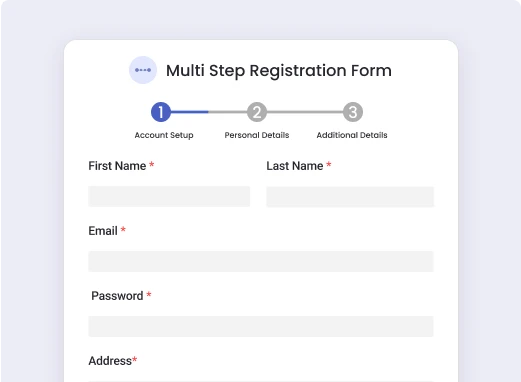
Multi Step Registration Form
Use this innovative multi-step registration form to create a user-friendly sign-up experience that guides users through account creation with ease...

Registration Form with reCaptcha
Create a clean user registration form for your WordPress website and protect it from spam with built-in reCAPTCHA verification.
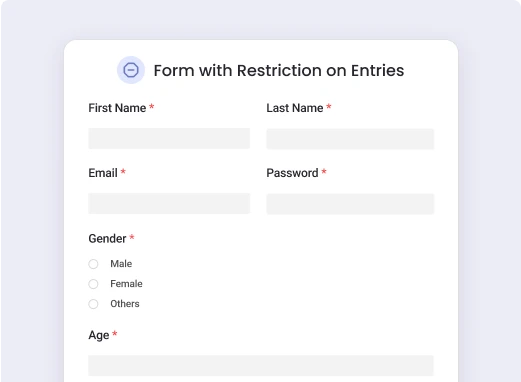
Registration Form with Restriction on Entries
Use this powerful registration form with comprehensive restriction features to control user access, manage registrations, and ensure a secure, targeted...

Email Subscription Form – MailerLite
A comprehensive guide to creating a powerful email subscription form that registers users and syncs contact information with MailerLite.

WooCommerce Registration Form
Simplify customer registration in your WooCommerce store with a comprehensive form that simplifies account creation.
Easy and Seamless User Registration Experience

Launch Ready-to-Use Templates
Start with one of our professionally designed templates and customize it to match your branding and unique requirements.

Build Role-Based Registrations
Assign user roles directly through your forms, allowing you to control permissions and streamline onboarding.

Enable Multi-Step Registrations
Simplify complex registration processes by splitting them into multiple steps, making it easier for users to complete their sign-up.

Set Up Conditional Fields
Show or hide specific fields based on user selections to create dynamic, personalized registration experiences.

Add File Upload Fields
Let users upload documents, images, or other files during registration for memberships, applications, or gated content.

Integrate Payment Gateways
Accept payments or subscriptions directly through your registration forms using seamless payment integrations.

Restrict Content Access
Pair your registration forms with membership features to create gated content accessible only to specific user roles.

Track User Activity
Monitor and manage new user registrations directly from your dashboard, making it easy to stay organized.

Go Live in Minutes
Once your registration form is set up, embed it on your site with a simple shortcode or block. That’s it!
Create WordPress Registration Forms in a minutes.
User Registration enables you to create powerful registration forms with extensive customization options in just minutes.