
Student Registration Form
Student Registration Form
This student registration form can be used when a student needs to be registered to a school or campus through its website.
Get This Form Template
How to add Student Registration Form in your website?
Why Use This Student Registration Form?
A well-designed student registration form helps educational institutions gather all relevant details about applicants in a structured and efficient way.
With this comprehensive form, you can collect key student details, academic backgrounds, contact information, and more—all in one place.
With this student registration form, you can:
- Improve the Enrollment Process by capturing all necessary information upfront, reducing follow-up calls or emails.
- Collect Educational Backgrounds and Interests to tailor your approach to supporting each student's unique goals and skills.
- Store Guardian and Emergency Contacts for secure and quick access in case of emergencies.
- Encourage Students to Share Extracurricular Participation, helping admissions teams understand applicants beyond academics.
Using this form, you can create a strong foundation of student information for a successful academic year.
How Do You Add Student Registration Form to Your Website?
You’ll need User Registration Pro to access all the fields in this form. Adding this Student Registration Form to your website is quick and easy. Just follow these steps:
- Navigate to Plugins >> Add New in your WordPress dashboard.
- Search for User Registration, then click Install and Activate.
- Once activated, go to User Registration >> Add New, select the Student Registration Form template.
- Customize the form as needed. Then, use the generated shortcode to embed the form on your desired page
If you need further assistance, watch this video tutorial to see exactly how to add one of these forms to your website.

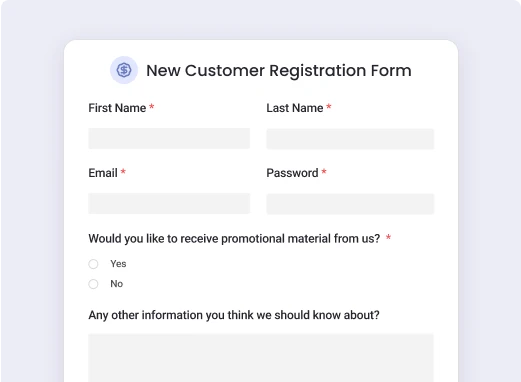
New Customer Registration Form
Use this versatile new customer registration form to efficiently collect key information, onboarding, and create personalized customer profiles for your...
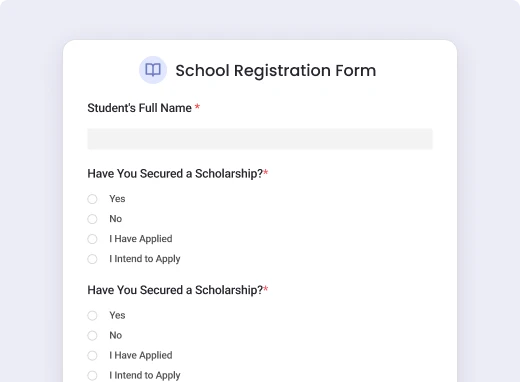
School Registration Form
The School Registration Form by User Registration is an all-in-one solution for simplifying the enrollment process.
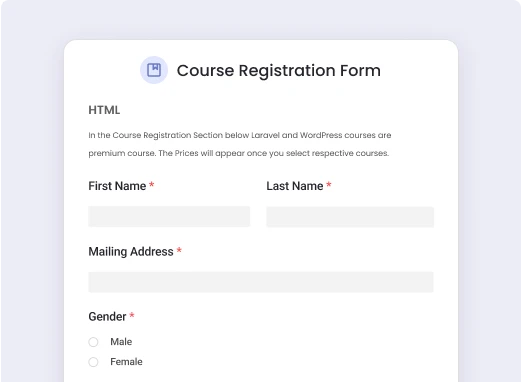
Course Registration Form
The Course Registration Form is designed to simplify the enrollment and course selling process with learndash integration.

Talent Search Registration Form
Ideal for talent shows, competitions, and entertainment agencies seeking easy contestant registration and management.

Customer Onboarding Form
Use this versatile customer onboarding form to quickly collect essential information, understand client preferences, and create a seamless initial experience...

Scholarship Application Form
Allow users to apply a scholarships easily with our streamlined application form—capture all essential details for a smooth process!
Easy and Seamless User Registration Experience

Launch Ready-to-Use Templates
Start with one of our professionally designed templates and customize it to match your branding and unique requirements.

Build Role-Based Registrations
Assign user roles directly through your forms, allowing you to control permissions and streamline onboarding.

Enable Multi-Step Registrations
Simplify complex registration processes by splitting them into multiple steps, making it easier for users to complete their sign-up.

Set Up Conditional Fields
Show or hide specific fields based on user selections to create dynamic, personalized registration experiences.

Add File Upload Fields
Let users upload documents, images, or other files during registration for memberships, applications, or gated content.

Integrate Payment Gateways
Accept payments or subscriptions directly through your registration forms using seamless payment integrations.

Restrict Content Access
Pair your registration forms with membership features to create gated content accessible only to specific user roles.

Track User Activity
Monitor and manage new user registrations directly from your dashboard, making it easy to stay organized.

Go Live in Minutes
Once your registration form is set up, embed it on your site with a simple shortcode or block. That’s it!
Create WordPress Registration Forms in a minutes.
User Registration enables you to create powerful registration forms with extensive customization options in just minutes.